
You want to check if the employee who creates customers with Copilot is allowed to do so ? Does he or she have the necessary role? And how could you verify it ? It is possible to do so with Copilot and the Topics.
Copilot Studio : Topics
Start defining your Copilot Studio topic as follows by adding the following phrases to the trigger. Specify the keywords likely to trigger the Copilot topic:

I add a variable: Define a string variable called “NecessaryRolesNeeded”. It is a concatenation of all the roles necessary to create customers.


You will concatenate all the necessary roles with the following formula: Concatenate(“Role1”, “,”, “Role2”, “,”, “Role3”, “,”, “Role4”…etc.).
To determine the role of Customer Creation, in D365 Finance we use trace recorder:

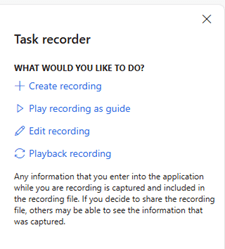
Create a recording:
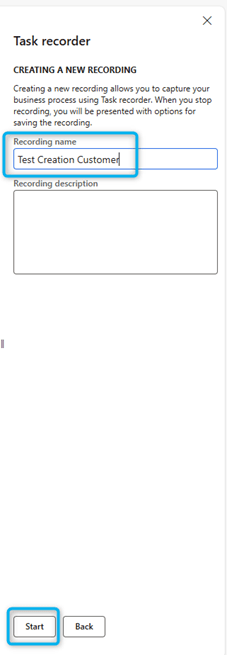
Give a name and start recording:
Then after in D365 Finance I make the creation of the customer and then click on stop button after the customer creation:

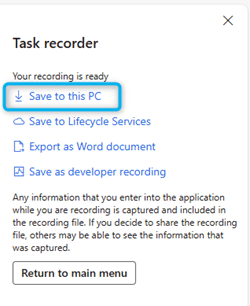
After I store the trace on the PC :
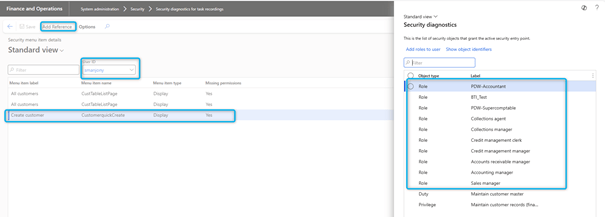
After I will check the security for this trace in System administration > Security > Security > Security diagnostics for task recordings : I open the trace.
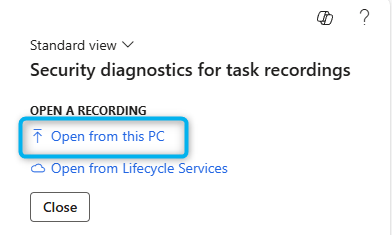
And Chek the necessary for the customer creation:
So we declare a variable called “UserAssignedRoles” and its code is as follows. Then, I get the rights/roles of the connected user as a table variable by calling: Global.PA_Copilot_ServerForm_UserContext.securityRoles
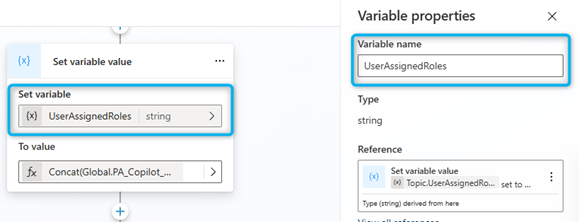

Thanks to Concat, we extract the values from the table, in answers separated by commas, rather than in tables.
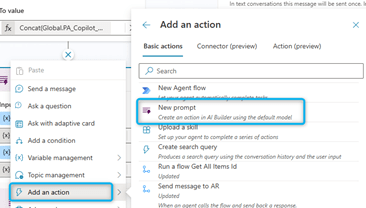
We will now compare the user roles to the necessary roles using a prompt:
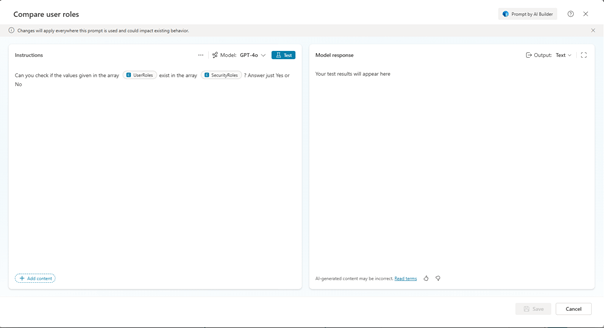
UserRoles” and “SystemRoles” are two variables defined in the prompt. It looks like this:

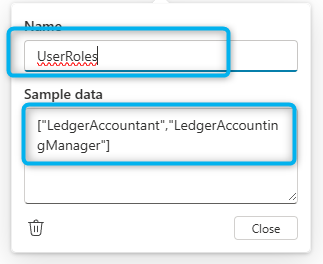

And I call this prompt from the copilot and pass the variables of the above steps like this.
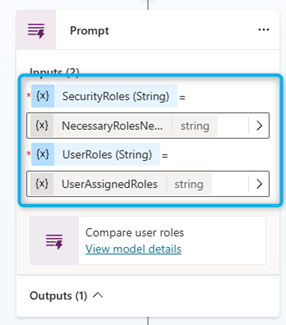
I store the result in a record variable called “Result” :

And use the text part of that result in the step below to assess whether or not the user has access:
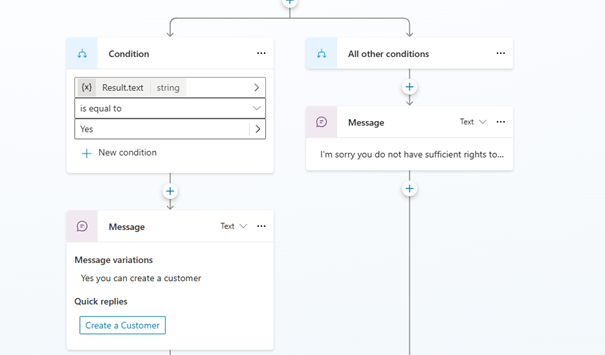
If yes, then the copilot sends a message that: yes, you have the right, and you can embed a quick reply like this:
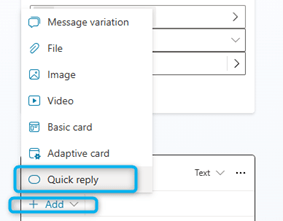
I call the subject to create the customer: “Create a customer”. This topic I have already created
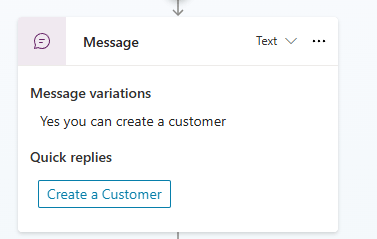
And so when the user clicks on this hyperlink, it says:

 D365FOAdviceTips
Leave a comment