Author: Sebastien Manjony
-
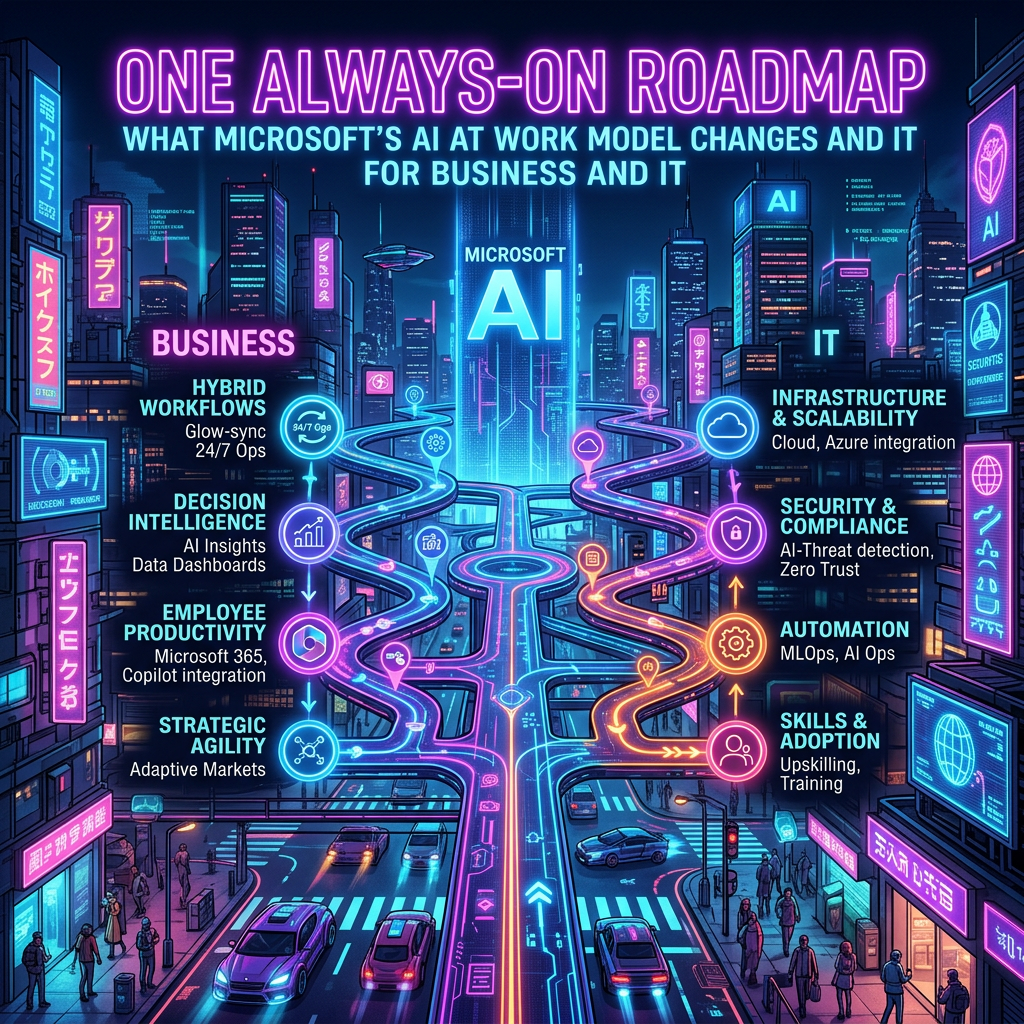
Always-On Microsoft AI at Work Roadmap for Dynamics 365 & Power Platform
Starting in September 2026, Microsoft will shift to an always-on roadmap model for Dynamics 365, Power Platform, and Dataverse, moving away from the traditional twice-yearly release-wave announcements. This new model will facilitate continuous updates and a unified view of product changes, improving how organizations govern and communicate about these updates. The AI at Work Roadmap…
-
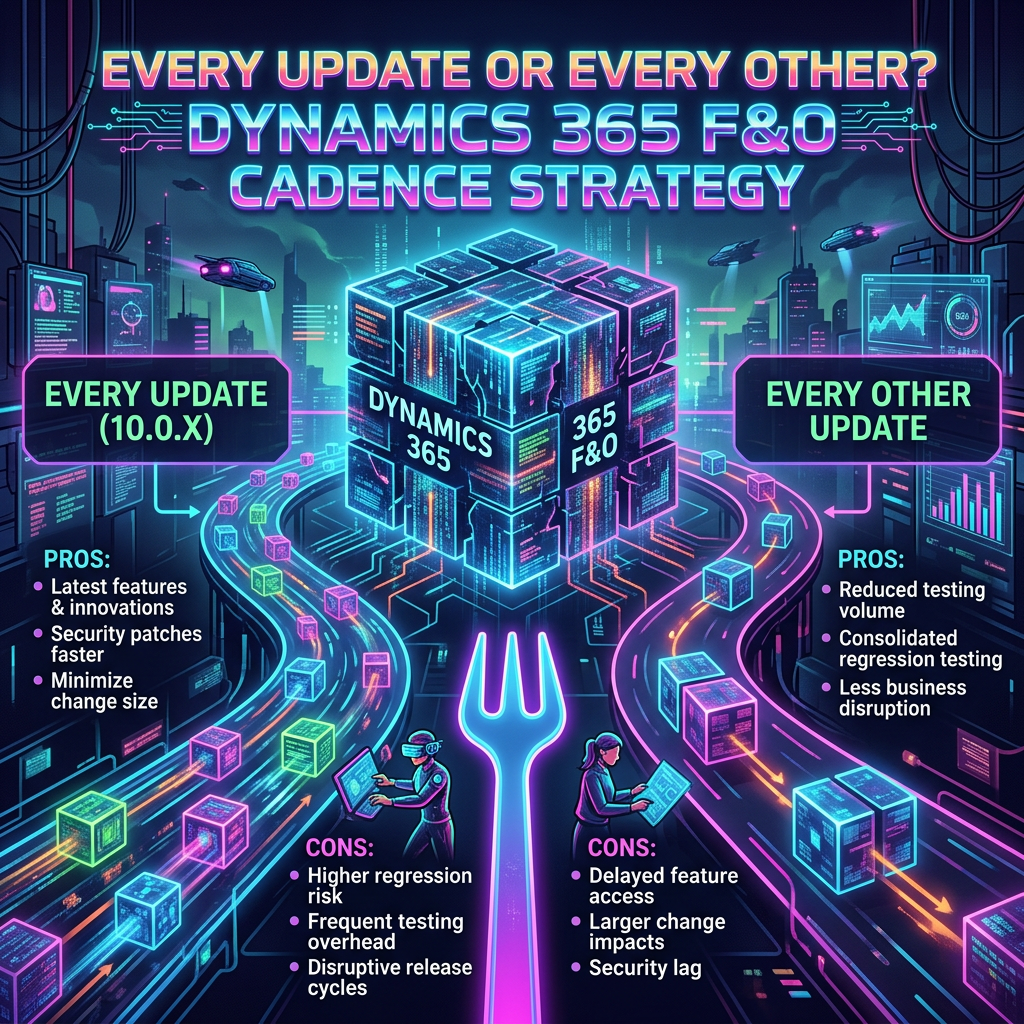
Every Update or Every Other? Dynamics 365 F&O Cadence Strategy
The guide emphasizes the importance of maintenance cadence in managing Dynamics 365 Finance & Operations unified environments. It advises careful review of update settings for both Production and sandbox environments, aligning them with project timelines to avoid disruptions during critical phases like go-live. Service updates should be monitored to ensure they do not coincide with…
-
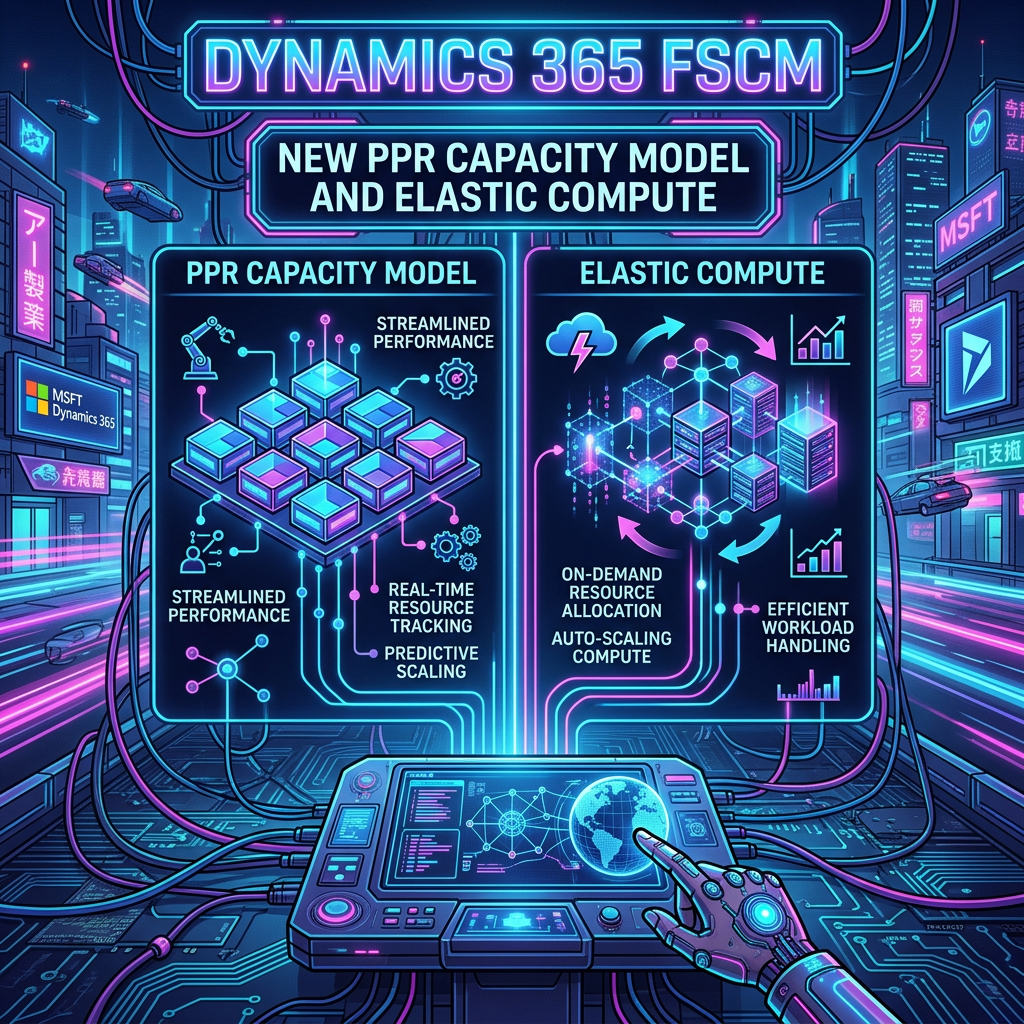
Dynamics 365 FSCM: New PPR Capacity Model and Elastic Compute
Microsoft is transforming the capacity management of Dynamics 365 Finance & Operations by shifting from fixed Lifecycle Services (LCS) tiers to a flexible, unified model powered by Power Platform Requests (PPR). This new approach allows organizations to focus on available PPR capacity to meet workload demands rather than predefined infrastructure tiers. Key implications include a…
-

Performance Testing D365 F&SCM: End-to-End Guide
Performance testing is crucial for Dynamics 365 Finance & Operations, requiring ongoing attention throughout implementation, not just before go-live. It ensures the system can manage real-world loads and support business growth. A successful performance testing cycle involves planning, preparing, executing, analyzing, optimizing, re-testing, and validating. Key practices include defining clear KPIs, using realistic data and…
-
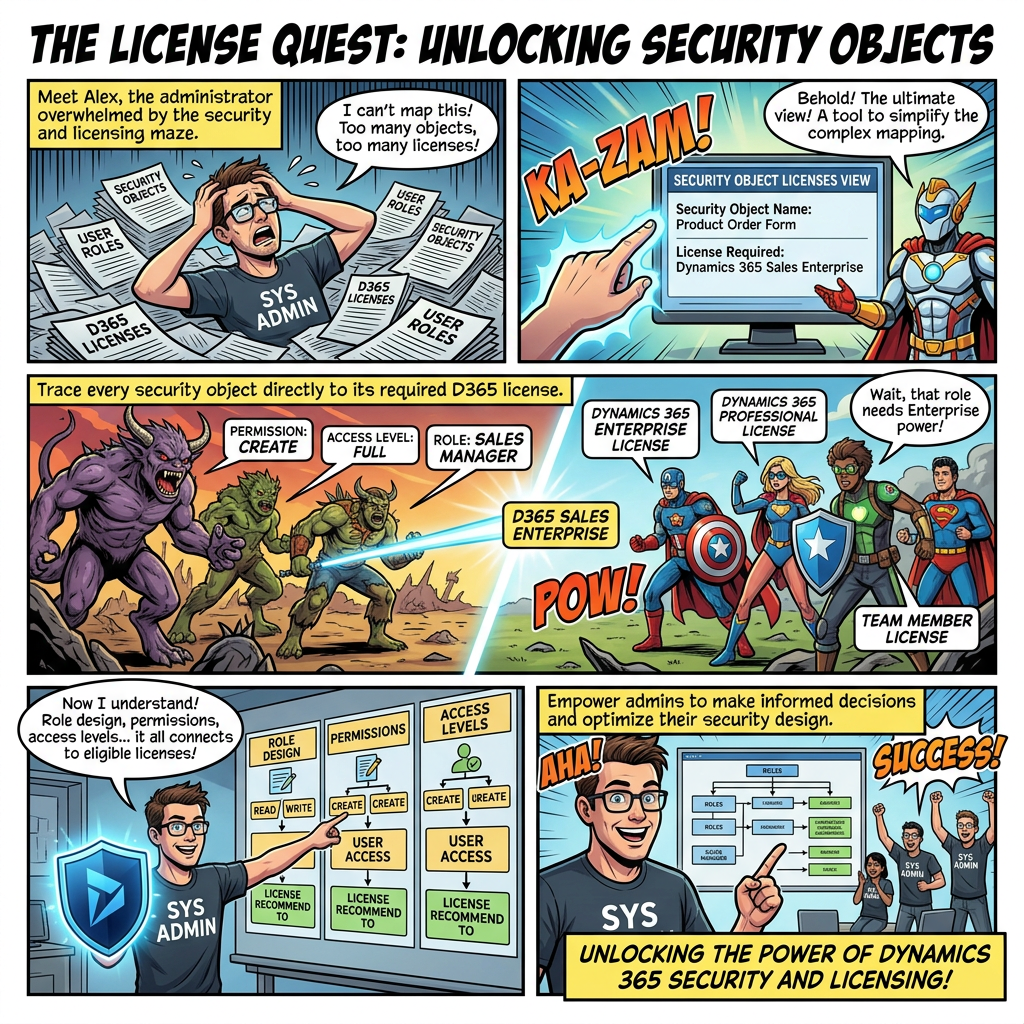
Maximizing User Role Security through Object Licensing
The Security object licenses view (Preview) enhances user security governance by providing a detailed breakdown of licenses linked to each securable object. It helps administrators trace the path from role configuration to specific license requirements, offering insights into why certain licenses are necessary. Key features include a breakdown of permissions, access levels, and the ability…
-
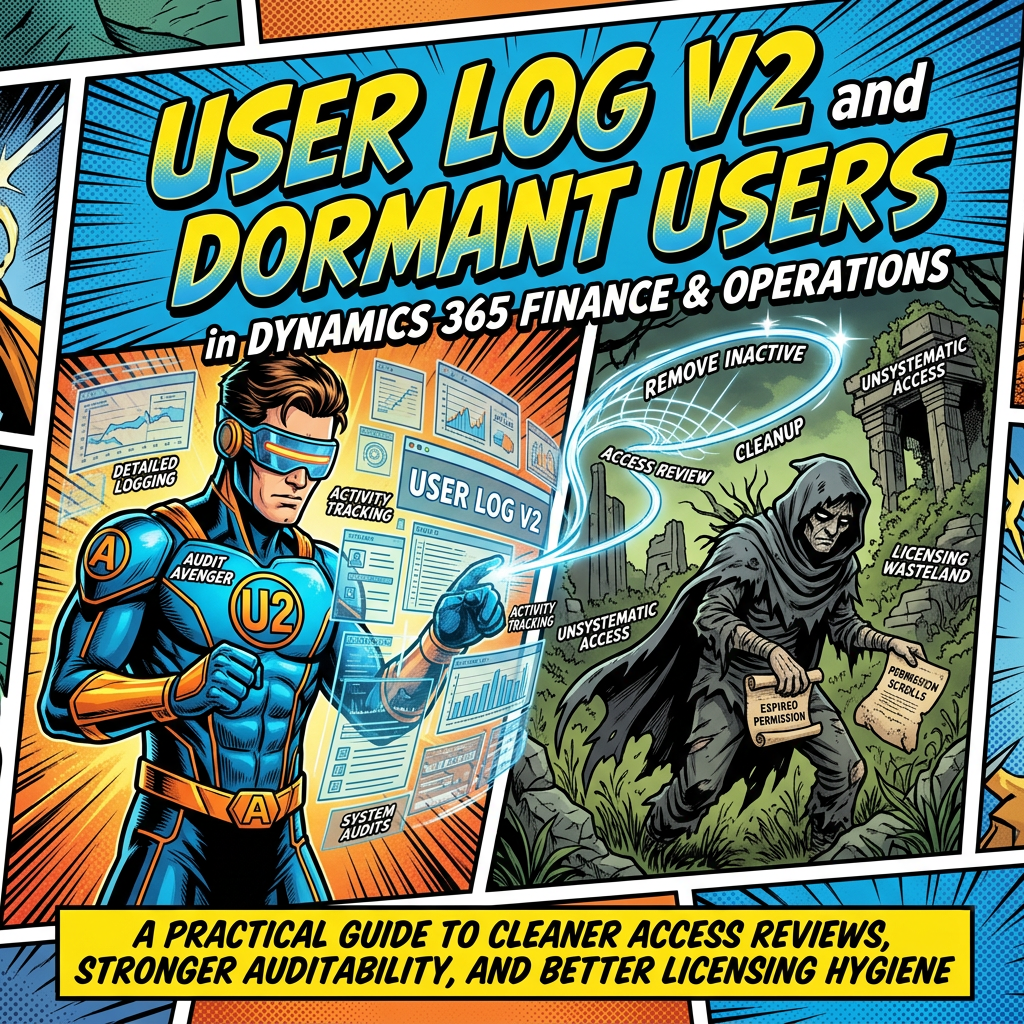
User Log V2: Streamlining Audit Processes
Microsoft Dynamics 365 Finance and Operations now offers User Log V2 and an updated dormant user report, enhancing review and audit capabilities. These features allow organizations to monitor sign-in activity, identify inactive accounts, and ensure compliance with licensing regulations. User Log V2 records verified sign-ins, supports filtering, and requires activation. Historical data is not migrated,…
-
Topics in the Implementation Portal
FastTrack has introduced a streamlined and transparent collaboration system through its Topics portal. Users can submit technical questions, product guidance requests, and implementation challenges directly, ensuring they are routed to the appropriate team. The portal allows tracking of progress and status updates in real time, and users can access historical Topics for reference. Notifications keep…
-
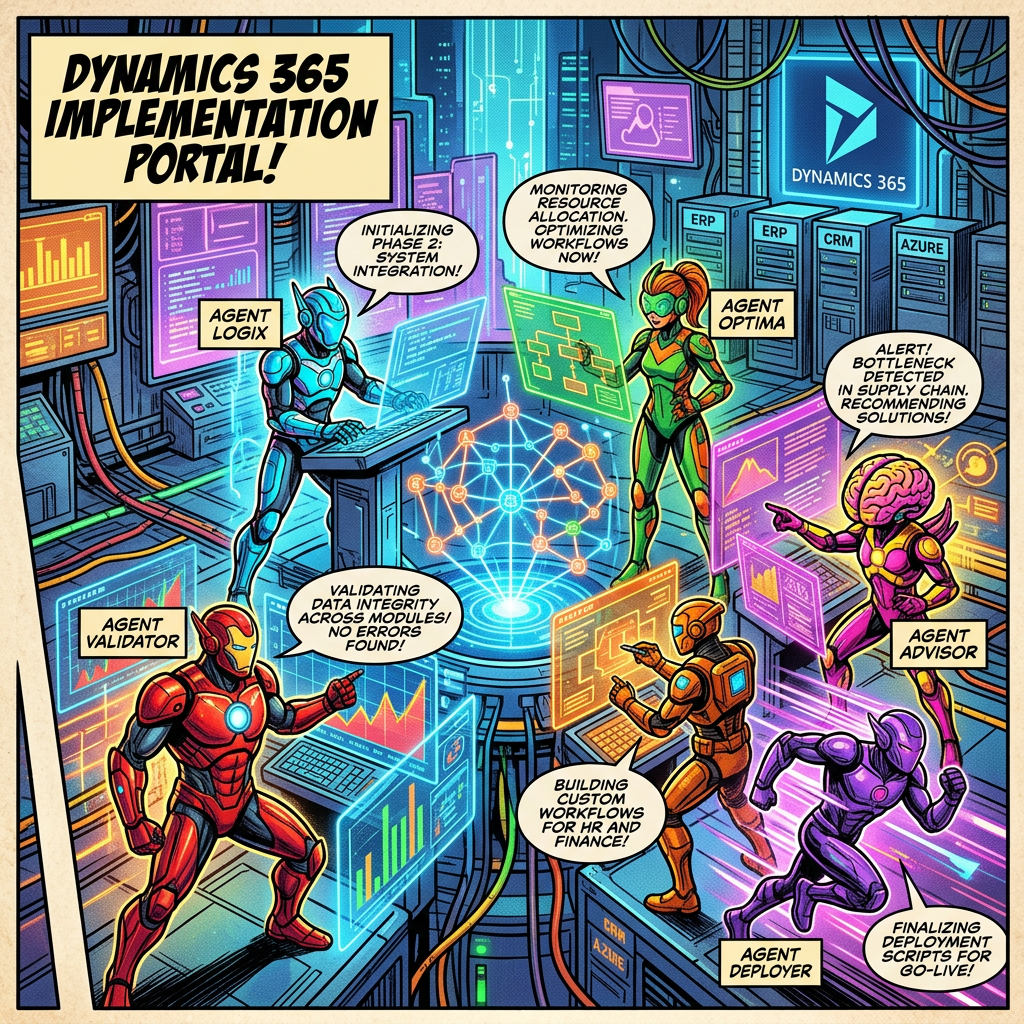
AI Agents in the Dynamics 365 Implementation Portal
The Dynamics 365 Implementation Portal now features AI agent functionality to streamline project administration and enhance project data quality. By analyzing uploaded documents, the AI provides relevant information and suggested updates, which users must review and confirm before acceptance. Supportive document types include TXT, VTT, DOCX, and PDF. While aiding project data maintenance, the process…
-
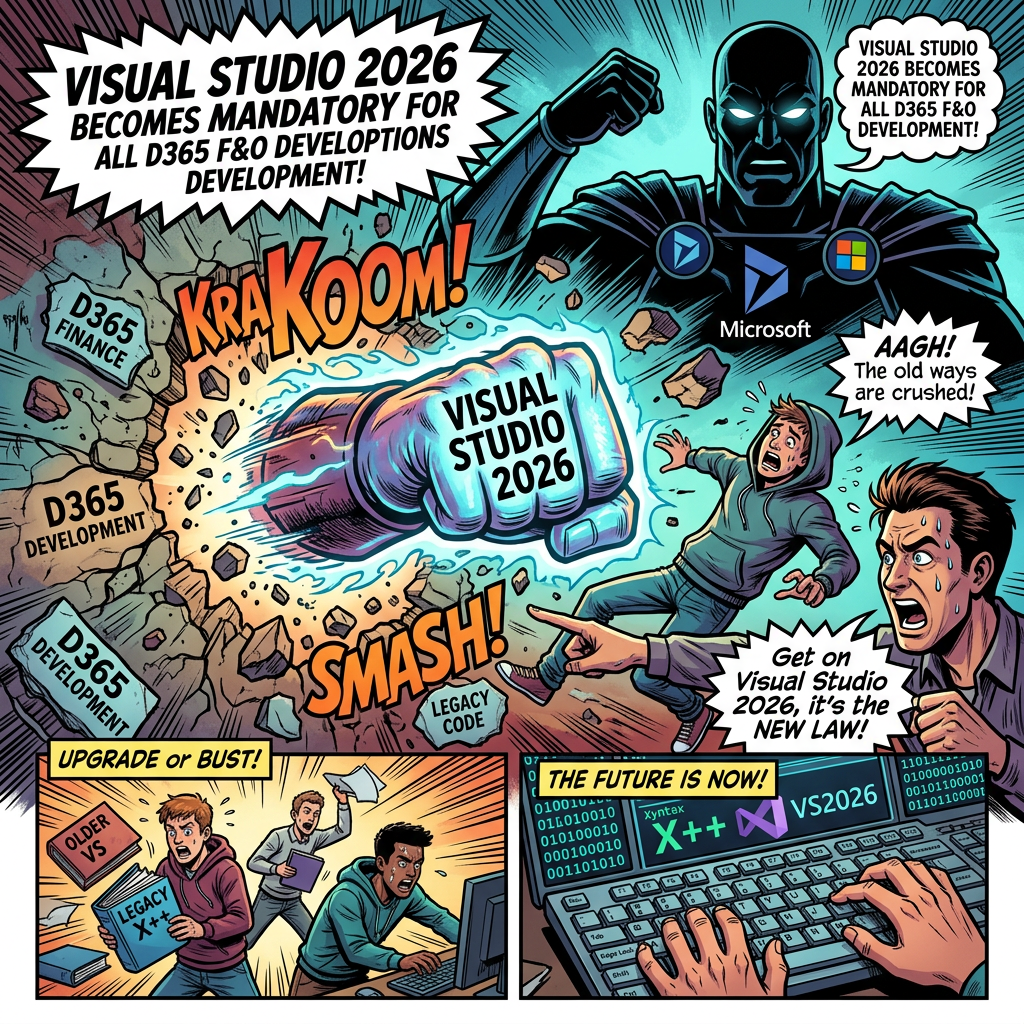
Transitioning to Visual Studio 2026 for D365 Development
Microsoft is ending support for Visual Studio 2022 in X++ development as of Platform Update 74 (PU74), making Visual Studio 2026 the sole supported environment. This transition is significant, impacting various aspects of the development ecosystem including project setups, onboarding, and build pipelines. Organizations should start preparing by validating custom models, updating documentation, and testing…
-

Understanding Dynamics 365 User License Consumption
The User License Consumption report for Dynamics 365 finance and operations apps provides administrators with essential insights into user licensing. It helps identify unlicensed users, under-licensed roles, and surplus licenses by offering a comprehensive view of licensing requirements. Administrators can quickly access the report through the Power Platform admin center and utilize filtering and sorting…

