Category: Technical
-
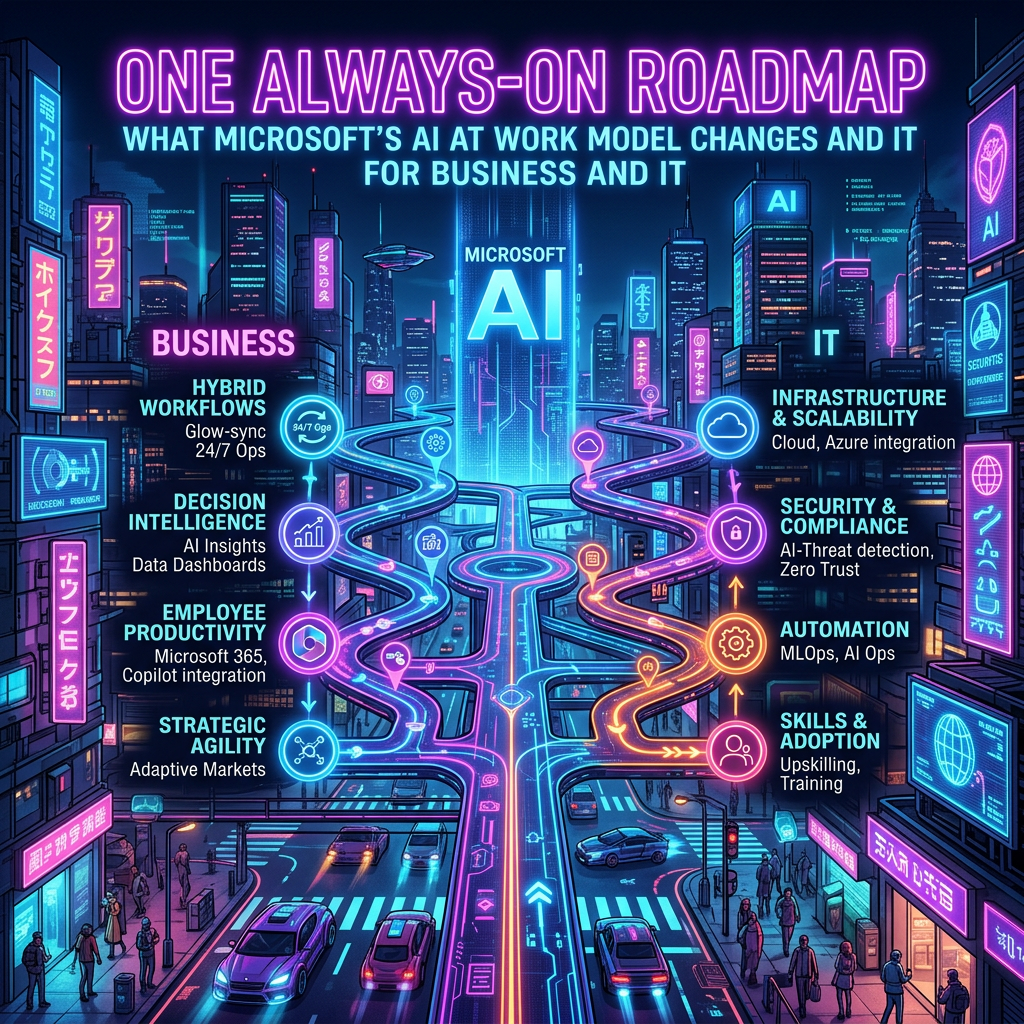
Always-On Microsoft AI at Work Roadmap for Dynamics 365 & Power Platform
Starting in September 2026, Microsoft will shift to an always-on roadmap model for Dynamics 365, Power Platform, and Dataverse, moving away from the traditional twice-yearly release-wave announcements. This new model will facilitate continuous updates and a unified view of product changes, improving how organizations govern and communicate about these updates. The AI at Work Roadmap…
-
Transitioning to Visual Studio 2026 for D365 Development
Microsoft is ending support for Visual Studio 2022 in X++ development as of Platform Update 74 (PU74), making Visual Studio 2026 the sole supported environment. This transition is significant, impacting various aspects of the development ecosystem including project setups, onboarding, and build pipelines. Organizations should start preparing by validating custom models, updating documentation, and testing…
-
Direct Patch Links for Better Governance
Microsoft’s version 10.0.46 enhances traceability and governance by enabling patch links to redirect to related Lifecycle Services (LCS) issues. This feature aids in understanding patch contexts, accessing original problem details, and improving documentation. It provides modern ERP teams with necessary flexibility and crucial governance capabilities.
-

Unified D365 Finance Provisioning Explained
Microsoft Dynamics 365 Finance & Supply Chain Management (D365 Finance & SCM) has evolved into a native Power Platform application, improving environment provisioning, application lifecycle management, and developer productivity. The unified admin experience now integrates D365 with Microsoft Dataverse, centralizing administration and eliminating the need for separate ERP infrastructures. Key requirements include Power Platform Administrator…
-

Understanding New Features in User License Consumption Report – October 2025
The Power Platform Administration Center (PPAC) is improving its user license consumption report with new features in preview. Enhancements include tiles for under-licensed and over-licensed users, inclusion of valid users from secondary domains, and updates on Entra ID group memberships. Users can access detailed licensing information and known issues online.
-

Mastering Advanced Date Ranges Filters in D365 Finance
Suppose you have a list of Sales orders, and you want to use the information according to the column “Created date and time”: For example, you want to have a preview of sales orders created in the last 5 days. To make this filter, I use «Advanced filter or sorting». I select the field “Created…
-

Unlocking Insights: Utilizing Telemetry & Copilot in Implementation Portal
Overview of telemetry Telemetry information in the Dynamics 365 implementation portal is available as a public preview. The features in the preview version are not intended for use in production and may have limited functionality. Telemetry information detects optimization opportunities and provides practical guidance based on usage patterns in customer environments. Results appear with severity…
-

Managing Implementation Portal Projects
When you integrate an implementation project into the Dynamics 365 Implementation Portal, the following features can help you manage your project. Manage project details. Manage project users. Project profile by selecting products, features, and other characteristics. Consult the implementation guidance adapted to your project profile. Display telemetry information (if applicable/available) Start To start managing an implementation…
-

Guide to Navigating the FastTrack Implementation Portal
Introduction FastTrack Implementation Portal is a web-based platform that helps customers and partners accelerate their cloud adoption journey with Microsoft. This portal provides access to resources, tools, and best practices, as well as guidance on planning, deploying, and adopting Microsoft cloud services. This portal also allows customers and partners to track their progress, manage their…
-
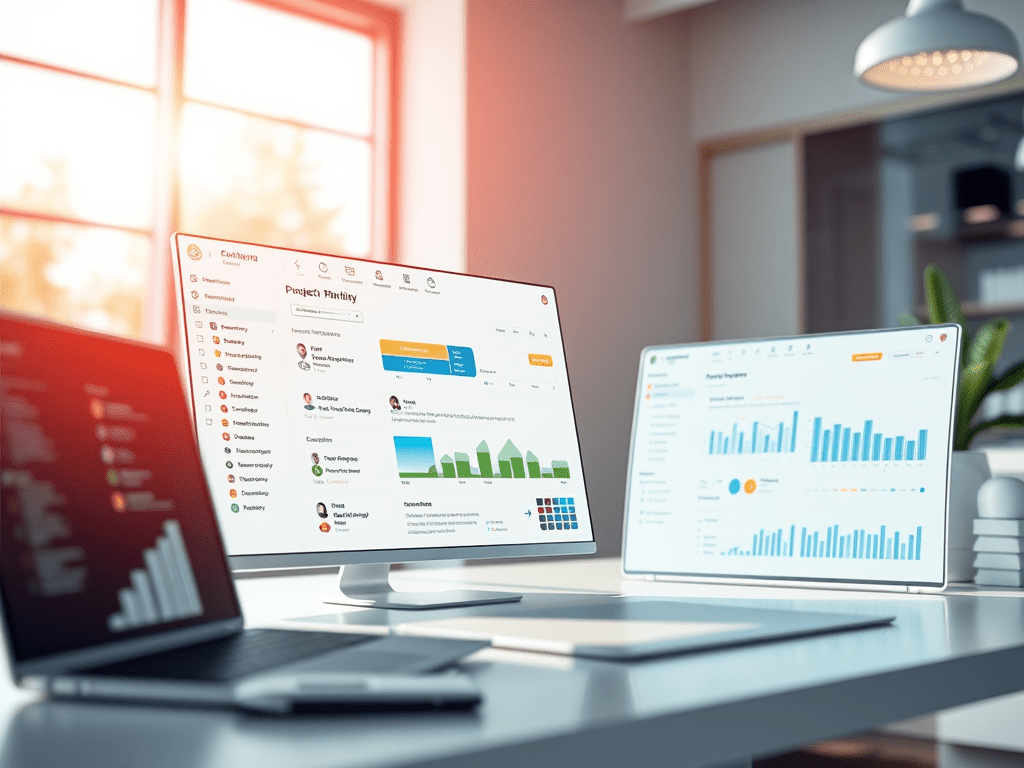
FastTrack Implementation Portal: Create, View, and Join Projects
Project Overview The integration wizard makes it easy to create an implementation project in real time, so you can get implementation guidance and create reviews. You can also join an existing project if you are already a member. The wizard guides you through the process of creating a project, adding users, and configuring project details.…

