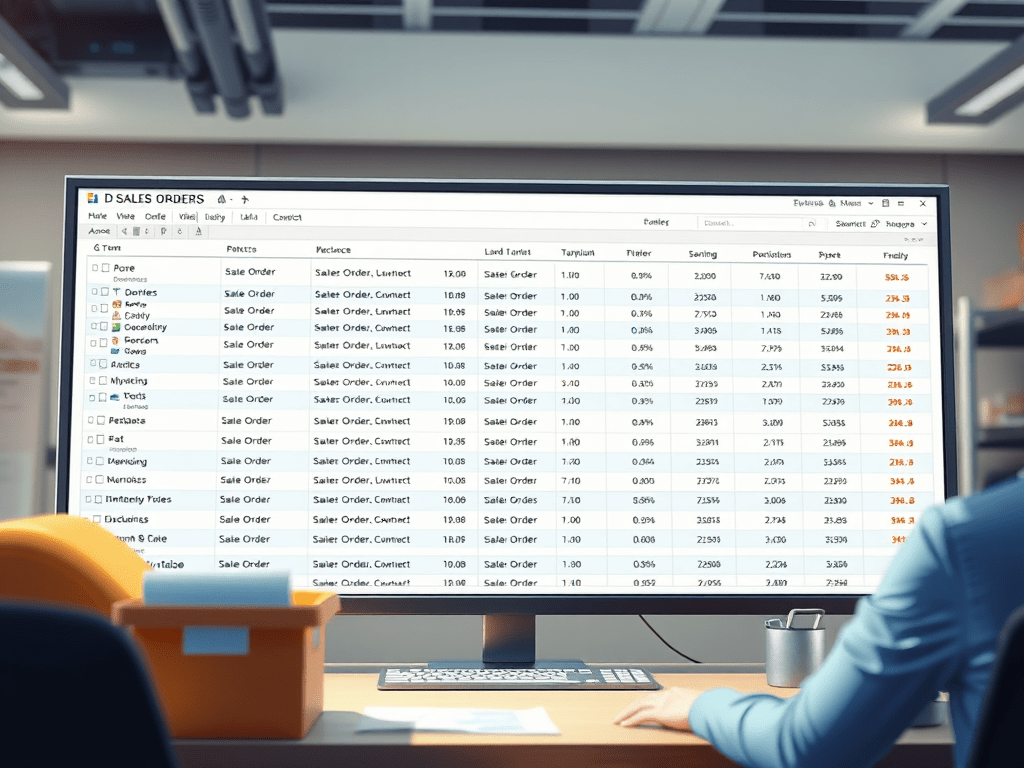
If you’ve ever opened the Sales Order List Page in D365 Finance & Operations and waited… and waited… for the list to load, you’re not alone.
Large datasets can significantly slow down the rendering of this page — especially in busy environments with thousands of sales orders.
Fortunately, there’s a simple but powerful configuration that lets you limit the number of sales orders displayed, dramatically improving loading times.
How to Enable the Sales Order Limit
To activate this optimization, follow this path:
Accounts Receivable Parameter ->General -> Sales Setup
There, you’ll find a parameter that allows you to set a maximum number of sales orders to display in the list page.

Recommended Settings
- Default value = 0
This means no limit, and all orders will be loaded — which can impact performance. - Recommended range = 1 to 200
Selecting a value within this range helps ensure the page loads quickly and reliably.
When the limit is active, the system retrieves records sorted by sales order number in descending order, so you always see the most recent orders first.

Why This Matters
Implementing a limit on the Sales Order list page can:
- ⚡ Reduce load time significantly
- 🧩 Improve user experience for sales and customer service teams
- 🖥️ Lower system resource usage
- 📈 Keep the interface responsive even in high-volume environments
This small adjustment can make a big difference in day-to-day operations, especially for organizations managing large order volumes.
 D365FOAdviceTips
Leave a comment