
- View D365 Finance Inventory in Teams with Dataverse Entities
- View D365 Finance inventory in Teams: Copilot for Inventory Visibility
It is now possible with Copilot Studio and Teams to easily display the stock of D365 Finance in 2 ways:
- Using Dataverse + Knowledge preview features in Copilot Studio and a custom agent.
- Using Copilot for Inventory Visibility agent
View D365 Finance Inventory in Teams with Dataverse Entities
This feature has just been released and is currently in public preview.
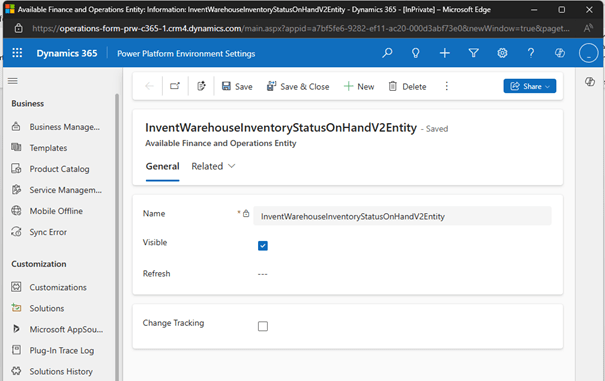
Prerequisite: Have the mserp_inventwarehouseinventorystatusonhandv2entity and inventwarehouseinventorystatusonhandentity entities enabled in the Dataverse: Enable Microsoft Dataverse virtual entities – Finance & Operations | Dynamics 365 | Microsoft Learn
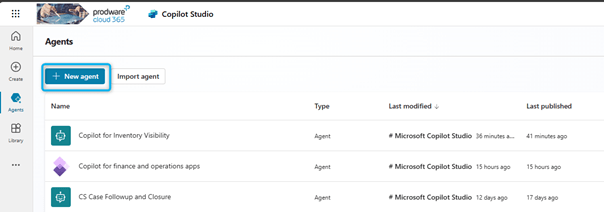
Then you need to create your agent for inventory management: I create an agent by clicking on the New Agent button.
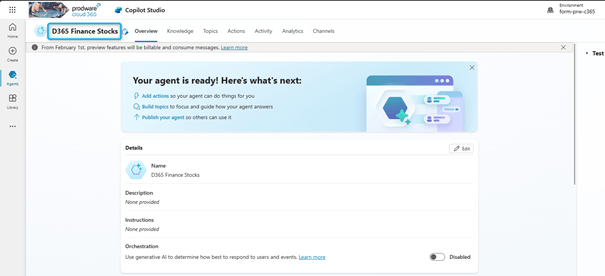
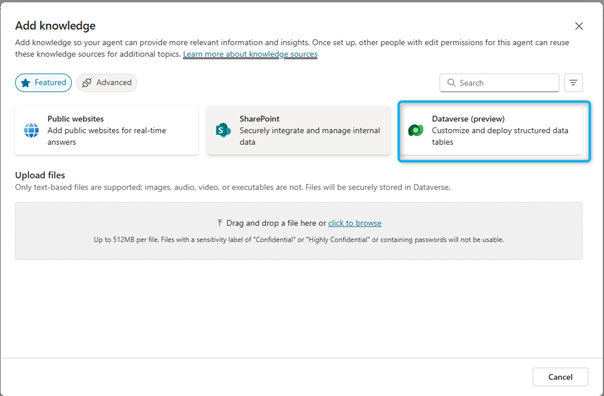
The first step is to connect the source of knowledge. Go to Copilot Studio and go to the agent, in the Knowledge tab and Add Knowledge
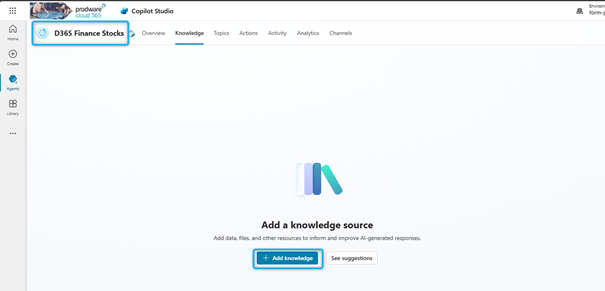
Then choose Dataverse and search for the entities we need:
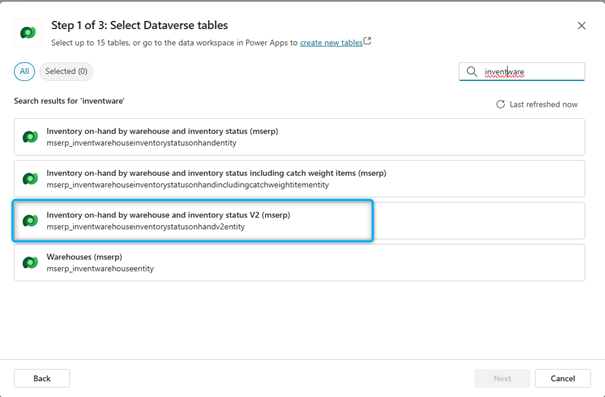
Add the table here: inventory on hand by warehouse and inventory status v2.
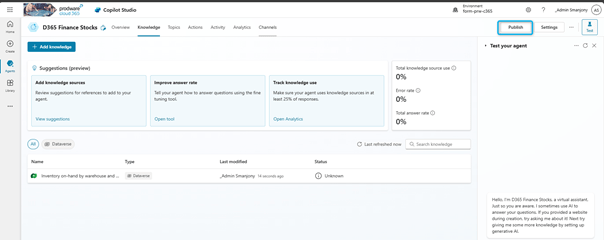
Then publish the agent:
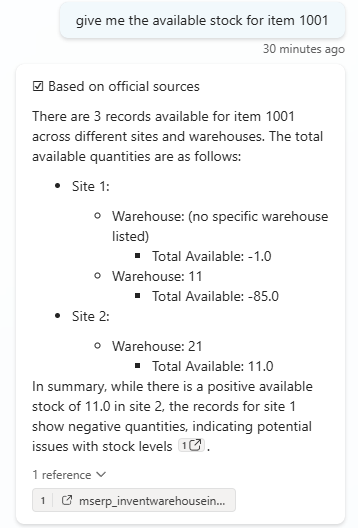
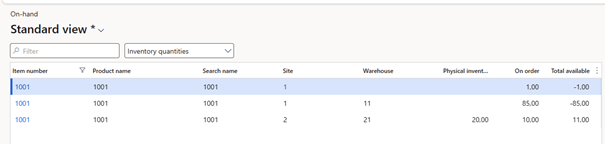
We can test the agent: give me the available stock for item 1001.
Let us check in D365 Finance:
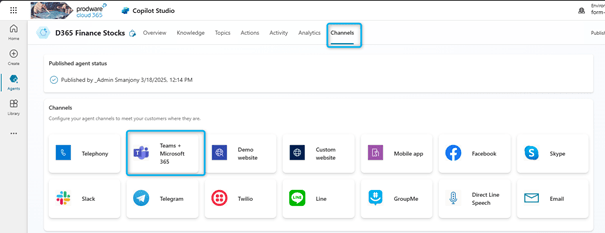
The next step is to publish in Teams. When we want to publish the agent in teams. Go to the Channels tab: Teams + Microsoft 365
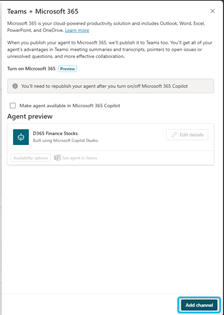
And then click on Add Channel:
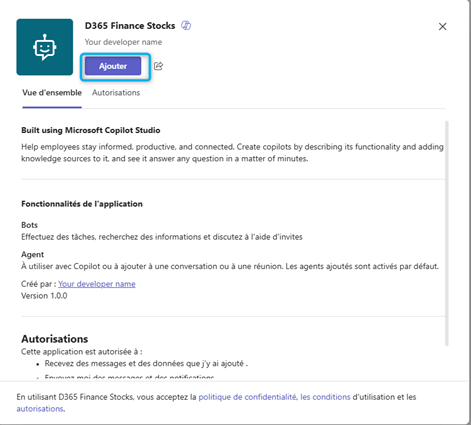
You can then add the agent in teams:

It is also possible to share this agent with other people via the Availability Options button:
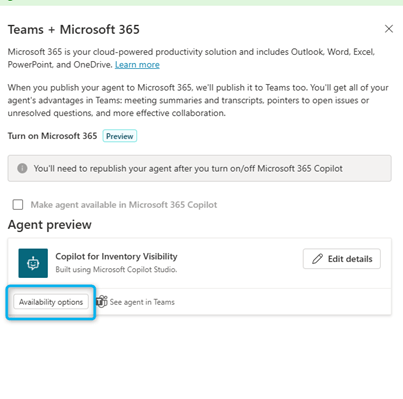
And then define the list of people who have access to the agent and send a link for example:
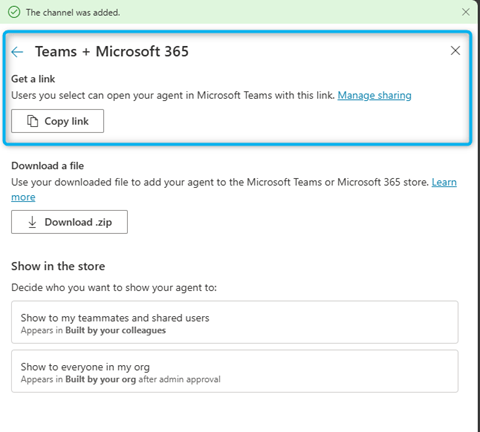
Let us now evaluate our Agent in Teams:

View D365 Finance inventory in Teams: Copilot for Inventory Visibility
With the implementation of Inventory Visibility, there is a Copilot for Inventory Visibility agent that is installed as standard. It is possible to activate this agent in Teams: tab Channel + Teams.

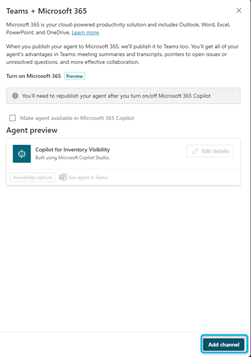
When the Channel is added you can click on See Agent in teams:

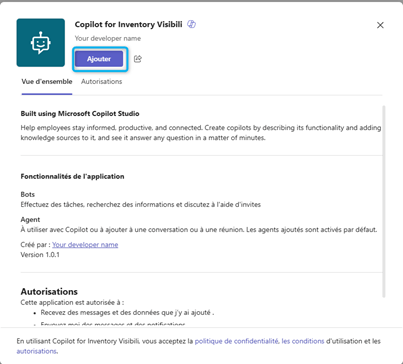
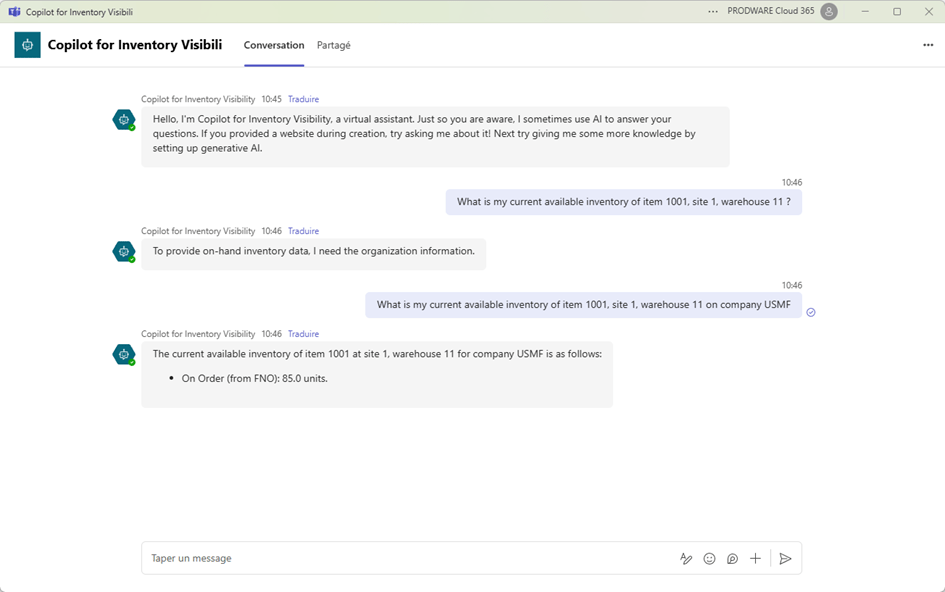
Now I am trying this agent in Teams for item 1001, Site 1 Warehouse 11, and company USMF: stock is 85:
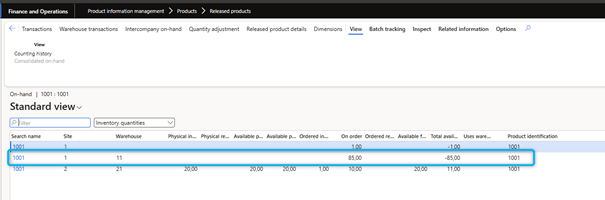
Let us check D365 Finance: that is right.
 D365FOAdviceTips
Leave a comment