Category: Integration
-
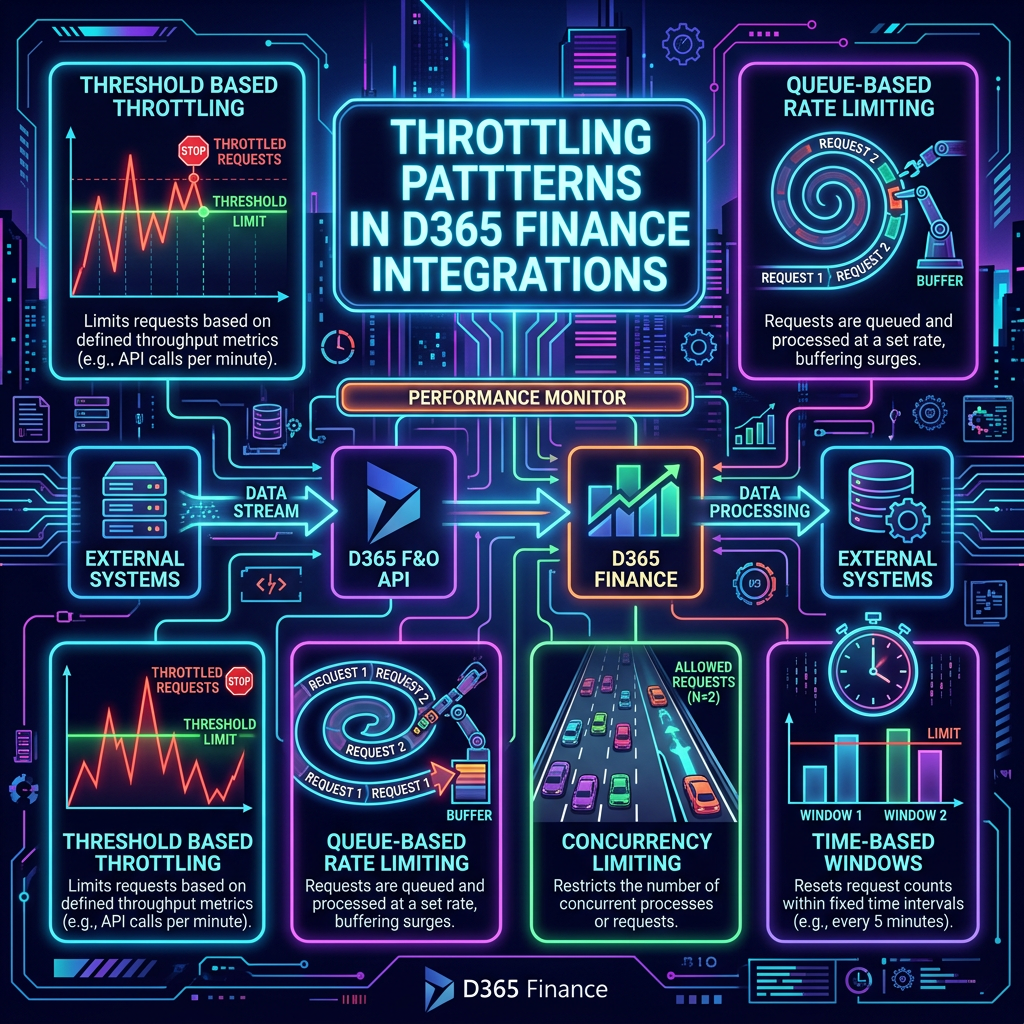
Mastering Throttling Patterns in D365 Finance Integrations
The content discusses the evolution of Service Protection API limits in Dynamics 365 Finance & Operations, focusing on throttling behaviors that integration teams often misunderstand. It distinguishes between resource-based throttling, which is influenced by overall environment conditions, and app throttling, which follows specific application limits. Common mistakes include testing integrations in isolation, leading to misleading…
-
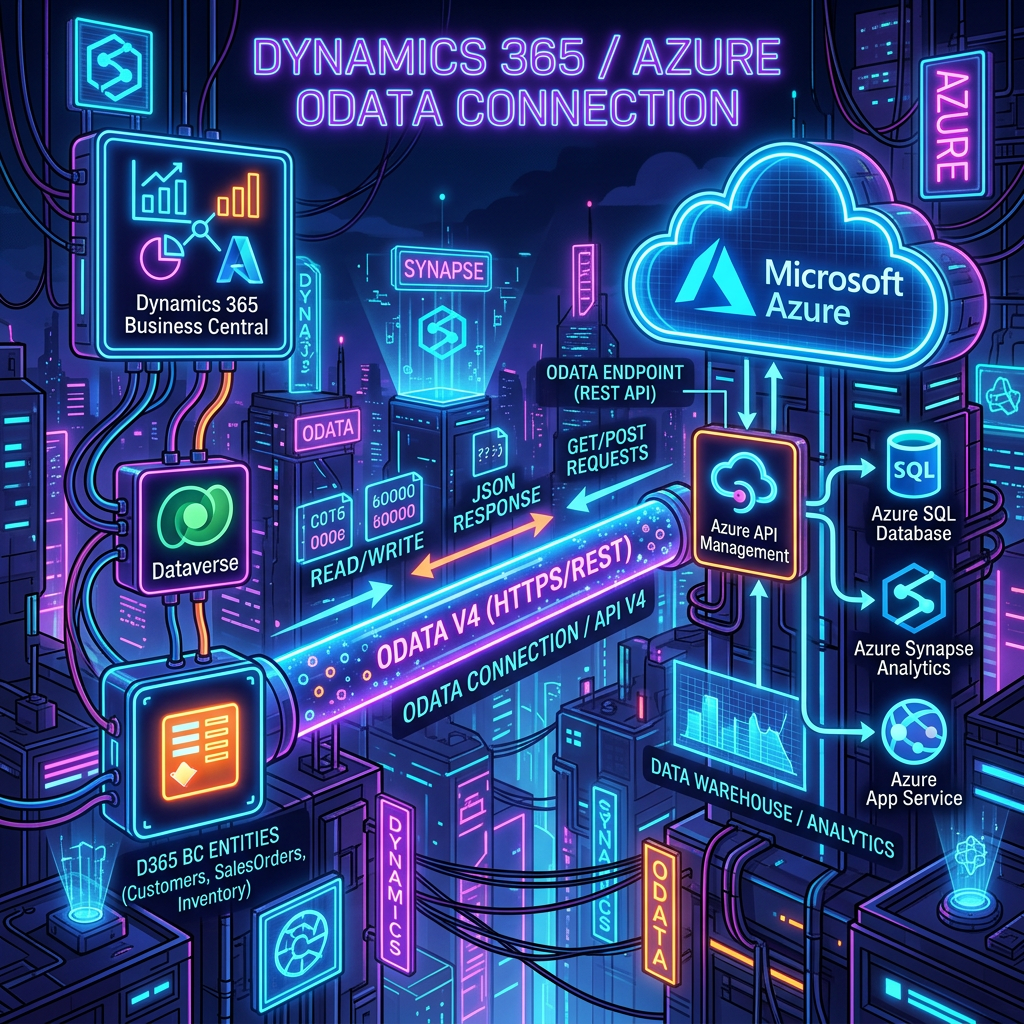
Integrate D365Finance with OData: A Step-by-Step Guide
This article outlines the essential steps for integrating applications with Dynamics 365 using the OData REST API via Microsoft Entra ID for authentication. It emphasizes registering an app in Azure AD, creating a client secret, and granting necessary permissions to Dynamics ERP. Additionally, it details the importance of registering the app within Dynamics 365 itself…
-

Business vs Data Events: Key Differences Explained
The post discusses the shift from traditional data synchronization to event-driven integration, particularly within Dynamics 365 Finance & Operations. It highlights the distinction between Business Events and Data Events, where Business Events are business-oriented signals representing key processes, while Data Events are more flexible but can generate unnecessary noise. The integration with Power Platform enables…
-

Master Data Management with Microsoft Dataverse
This content discusses the importance of designing a clean Master Data Management (MDM) architecture using Microsoft Dataverse in a multi-company environment with Dynamics 365. It highlights the need for effective governance, with clear ownership models and adherence to the single-writer principle to maintain consistent master data. Benefits of utilizing Dataverse as an MDM hub include…
-

OData Integration Guide for D365 Finance with Postman
The OData Setup Guide outlines the process of establishing a connection between an external application and D365 Finance & Operations using Postman. It begins with authentication, requiring Azure app registration and token automation, before detailing how to create requests to access D365 data entities. Supported OData features include filtering, counting, sorting, and expanding data with…
-

Integrate Dynamics 365 CE and Finance: Best Practices
The integration of Microsoft Dynamics 365 Customer Engagement (CE) with Finance & Operations (F&O) is essential for enhancing operational efficiency and customer experience. Various methods are highlighted, including Dual Write for real-time data synchronization, virtual tables for live access without duplication, and the Data Management Framework for bulk data tasks. OData and Web APIs enable…
-

Maximize D365 Finance with Virtual Entities
The article discusses the importance and advantages of virtual entities in D365 Finance and their integration with Dataverse and Power Platform. Virtual entities enable real-time access to D365 Finance data without physical data storage duplication, promoting efficiency and streamlined development. The setup process involves enabling virtual entities through the Power Platform administration center and ensuring…
-

Utilizing Copilot for D365 Finance Inventory in Teams
The recent release allows users to view D365 Finance inventory directly within Microsoft Teams, utilizing the Copilot Studio for enhanced inventory visibility. Users can integrate data via Dataverse and create custom agents for inventory management. Key steps include enabling specific Dataverse entities, creating an agent, adding relevant knowledge tables, and publishing the agent in Teams.…
-

Understanding Virtual Entities vs. Dual Write in D365 Finance
Virtual Entities and Dual Write are two integration options for connecting D365 Finance with Dataverse. Virtual Entities offer real-time access to D365 Finance data without data duplication, making them ideal for reporting and analysis. They require proper configuration but facilitate seamless use of Power Platform. Dual Write provides near real-time bi-directional synchronization, ensuring data consistency…
-

Maximize D365 Finance Efficiency Using APIs
I want to share with you a list of simple and useful tips that can help you improve the efficiency and usability of your D365 Finance system without any customization or configuration. These advices are available to all users. When building the solution and interacting with other applications, teams must make thoughtful decisions about data…
 D365FOAdviceTips