Tag: Integration wizard
-

Unlocking Insights: Utilizing Telemetry & Copilot in Implementation Portal
Overview of telemetry Telemetry information in the Dynamics 365 implementation portal is available as a public preview. The features in the preview version are not intended for use in production and may have limited functionality. Telemetry information detects optimization opportunities and provides practical guidance based on usage patterns in customer environments. Results appear with severity…
-

Managing Implementation Portal Projects
When you integrate an implementation project into the Dynamics 365 Implementation Portal, the following features can help you manage your project. Start To start managing an implementation project, follow these steps. Summary of the project The Summary tab on Project Page allows you to perform the following tasks: Some fields are not editable, such as…
-

Guide to Navigating the FastTrack Implementation Portal
Introduction FastTrack Implementation Portal is a web-based platform that helps customers and partners accelerate their cloud adoption journey with Microsoft. This portal provides access to resources, tools, and best practices, as well as guidance on planning, deploying, and adopting Microsoft cloud services. This portal also allows customers and partners to track their progress, manage their…
-

FastTrack Implementation Portal: Create, View, and Join Projects
Project Overview The integration wizard makes it easy to create an implementation project in real time, so you can get implementation guidance and create reviews. You can also join an existing project if you are already a member. The wizard guides you through the process of creating a project, adding users, and configuring project details.…
-
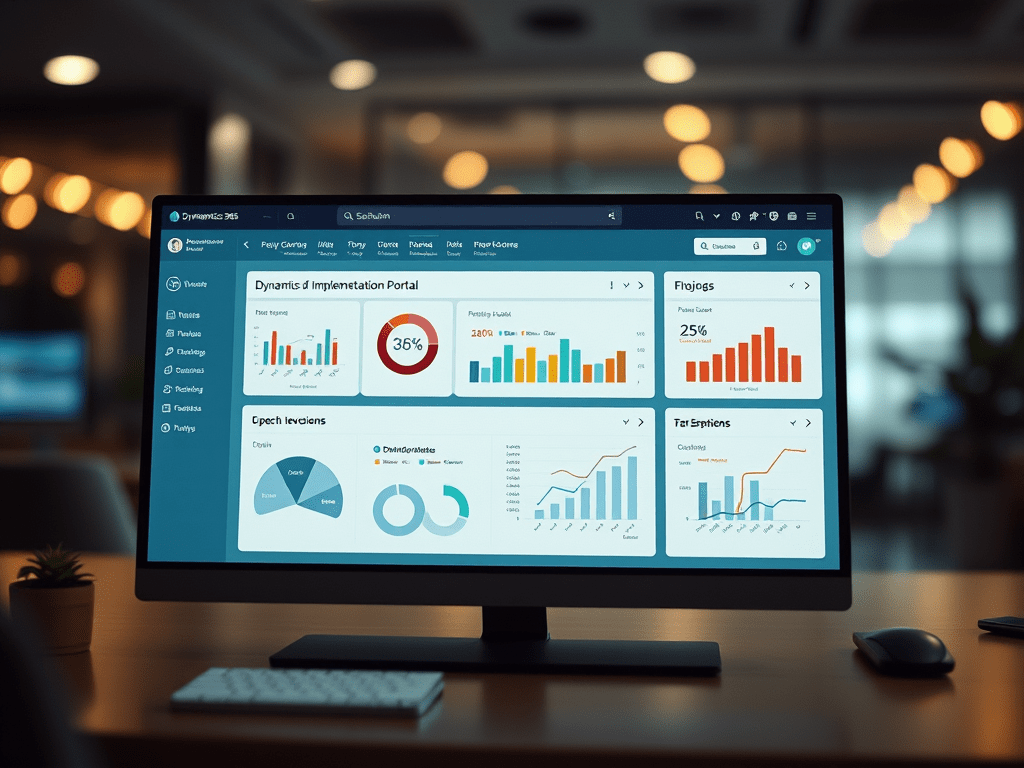
Beyond LCS: Dynamics 365 Implementation Portal Explained
Introduction We are in a transition period where LCS will become obsolete in 2025 and will become One Dynamics One Platform. Dynamics One Platform focuses on the convergence of D365 Finance applications with Microsoft Power Platform, enabling customers to fully leverage the Power Platform with each D365 Finance environment. New features will improve development, administration,…
 D365FOAdviceTips