Tag: PPAC
-

PPAC UI vs PowerShell vs Azure DevOps: Deployment Insights
When managing deployments for Dynamics 365 and Power Platform, administrators can choose from three main approaches: PPAC UI, PowerShell, and Azure DevOps Pipelines. The PPAC UI is user-friendly for administrative tasks, although slower for large deployments. PowerShell excels in automation but lacks full coverage of PPAC features. Azure DevOps offers robust governance and enterprise-level automation…
-
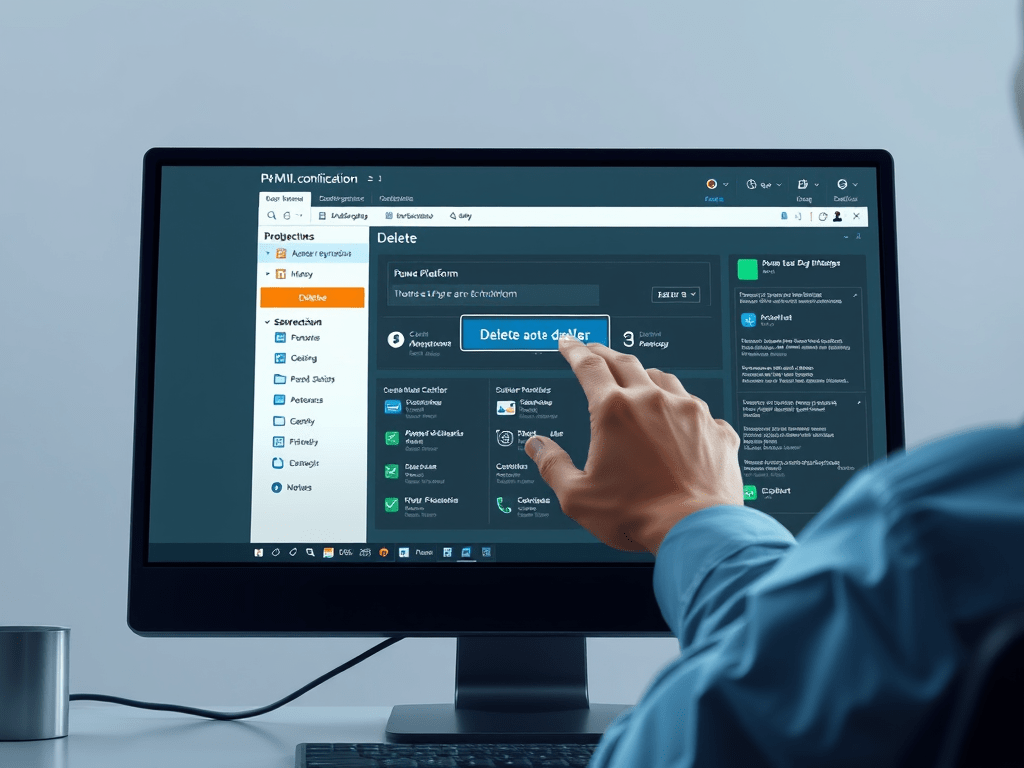
Best Methods to Delete Unused Power Platform Environments
Managing environments in Power Platform is essential for administrators to optimize resources and ensure efficiency. This article outlines two methods for deleting an environment: using the Power Platform Admin Center (PPAC) for a user-friendly approach, and PowerShell for automation and bulk operations. Reasons for deletion include reclaiming storage capacity and maintaining organizational standards. Best practices…
-

Azure DevOps: Enhance Power Platform Automation
This article outlines the automation of Power Platform environment deployment using Azure DevOps pipelines, Power Platform CLI, and Service Principals. It includes deployment time estimates, emphasizing the advantages of Service Principal authentication over traditional methods, and details the installation and setup of the Power Platform CLI. Additionally, it outlines necessary tasks within Azure DevOps pipelines,…
-

Streamlined Installation of Dynamics 365 Finance Apps
To successfully install Dynamics 365 Finance and Operations within the Power Platform, several prerequisites must be met, including the appropriate environment type, necessary licenses, and adequate database capacity. The installation process involves using the Power Platform Admin Center to install the required resources, specifically the Platform Tools and Provisioning App. Key limitations include environment URL…
-

How to Provision a Unified Dynamics 365 Finance Environment
The unified developer experience for Finance and Operations applications and Power Platform streamlines development by consolidating tools and environments. This integration allows for real-time data synchronization, enhanced security, and simplified governance. Developers can utilize Power Apps alongside Dataverse for efficient application development. Environment provisioning can be achieved through the Power Platform Admin Center or PowerShell,…
-
UAE: Efficient Environment Copying in Dynamics 365 FO
When we implement a project, we need to make copies. We have user interface and automation options. In LCS, we could only copy the database. When you send your production data to your sandbox or development environment, you obviously get the data, but you still need to apply packages. With the Power Platform and the…
-
UAE: How to Install Dynamics 365 FO Applications Easily
The finance and Operation applications have been redesigned as a Microsoft Dataverse hosted application. It is possible to provision the Finance and Operation applications directly in the Dynamics 365 platform. Additionally, most administrative actions in Power Platform are available through the administration center and an API-based experience. Environments Provisioning Provisioning a new environment is much…
-
UAE: Understanding Roles, Licensing in PPAC: Key Insights
In this post we will cover the subject related to roles, licenses and permissions in relation to the Power Platform Administration Center and D365FO. Roles The most important question to start with is who can create environments in the admin center. By default, everyone in your company can create environments for Low Code scenarios. So,…
-
UAE: Streamline Administration with PPAC in D365 Finance
In this post we will cover from a high level point of view the Power Platform Administration Center also known as PPAC. This administrative center becomes the Finance and Operations application. Introduction Technically, this is certainly the most important topic we have had for several years on the D365 Finance and Operations platform. It will…
 D365FOAdviceTips