Tag: d365-finance
-
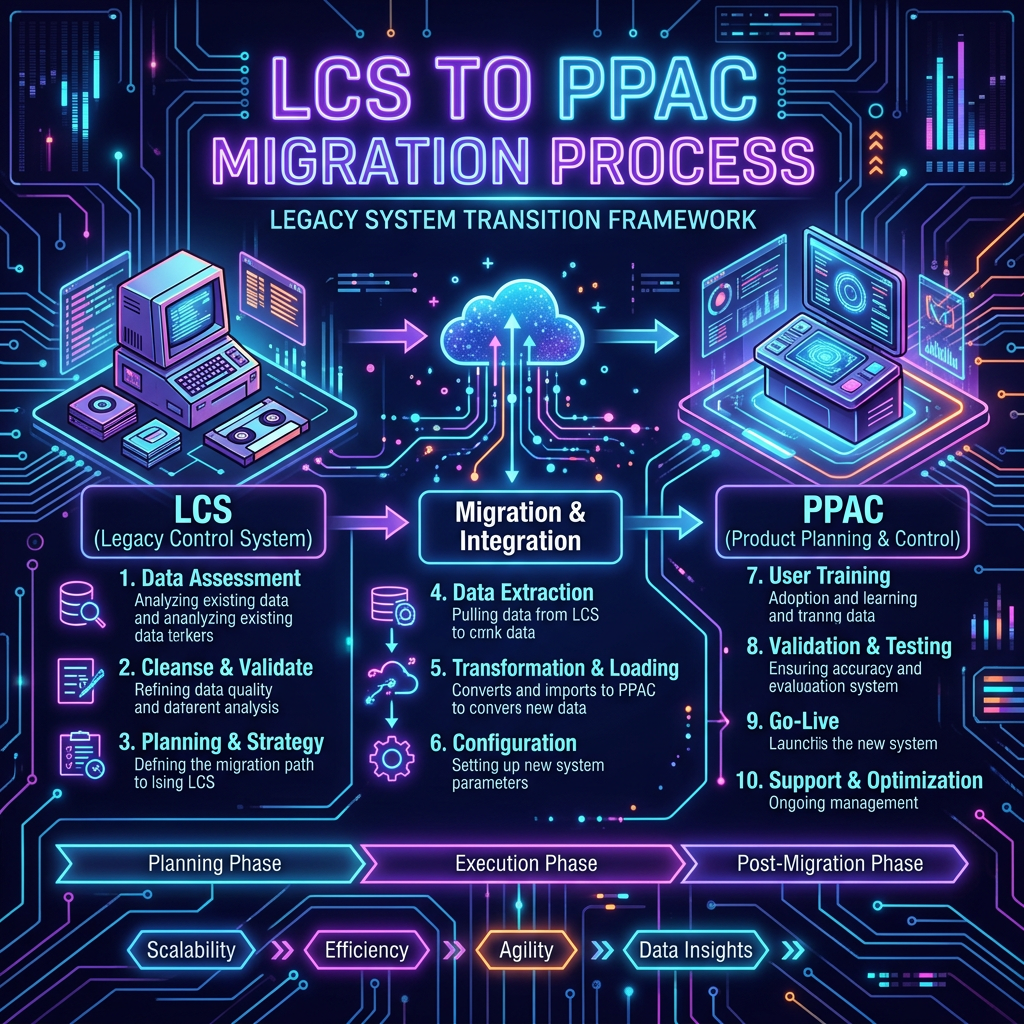
Steps for LCS to PPAC Migration
Microsoft is transitioning environment management for Finance & Operations from Lifecycle Services (LCS) to the Power Platform admin center (PPAC). This guide details the migration process, which includes confirming eligibility, provisioning a unified environment in PPAC, performing a copy operation, and validating the migration. For a smooth transition, the LCS environment must have Power Platform…
-
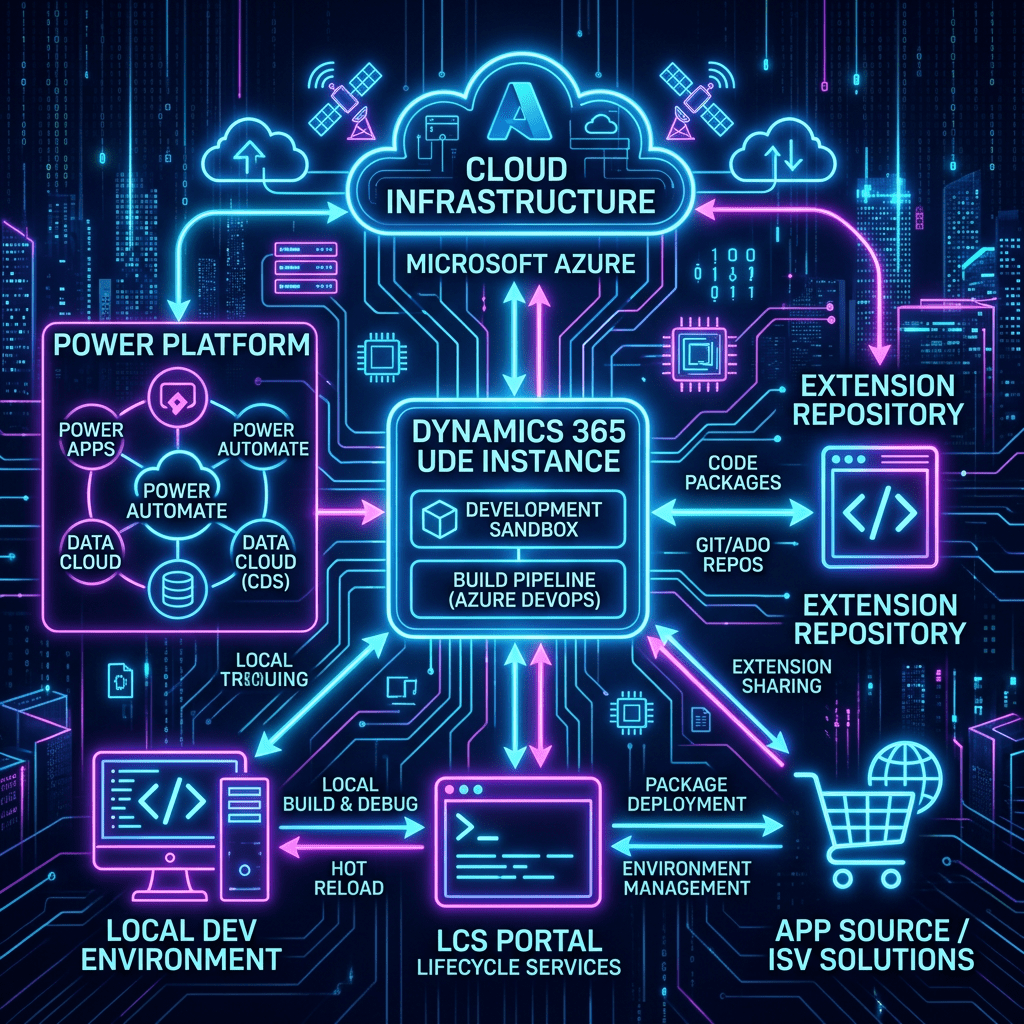
Unified Development Environment for D365: Complete Setup
The guide outlines the process of setting up a Unified Development Environment (UDE) for Finance & Operations development within the Power Platform. It details steps including creating a Dataverse environment, installing necessary Dynamics 365 applications, configuring Visual Studio 2022, connecting to Git repositories, and deploying models. Key highlights include enabling developer tools in the Provisioning…
-
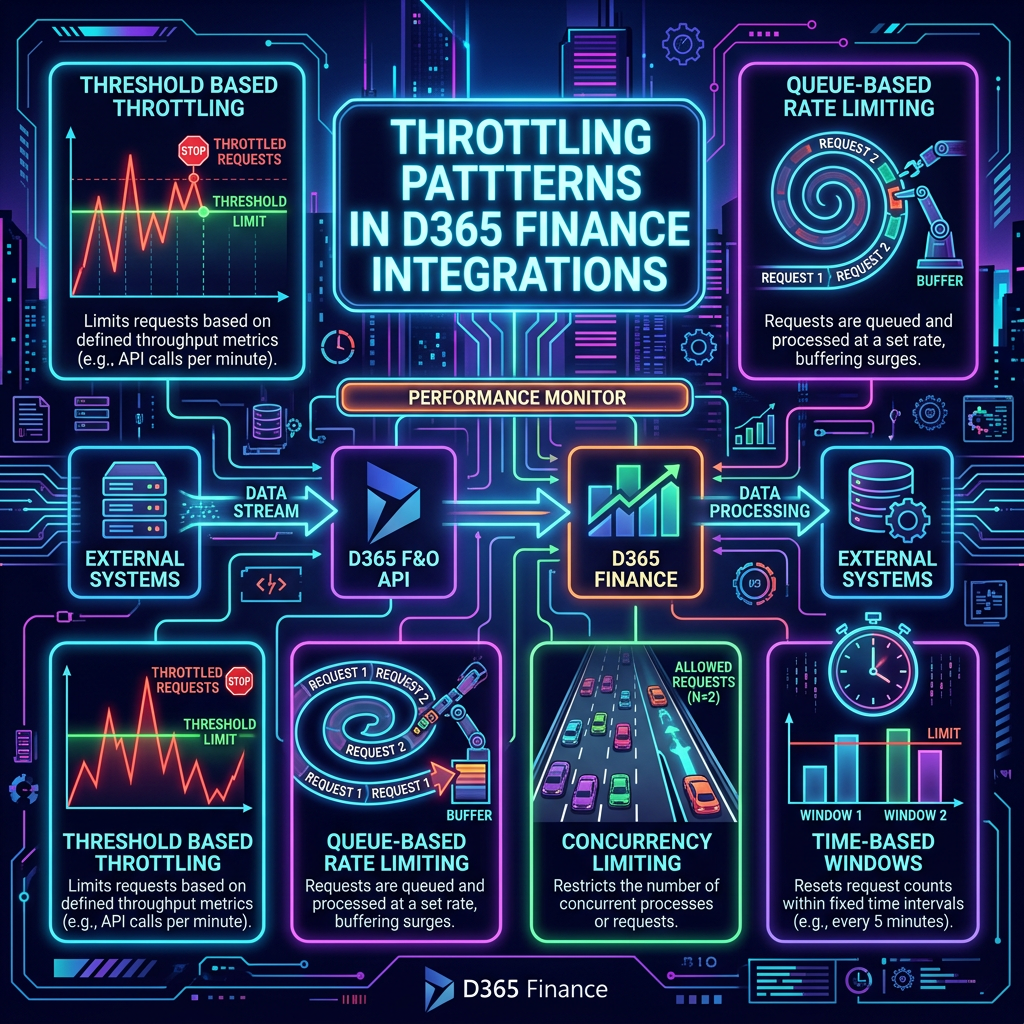
Mastering Throttling Patterns in D365 Finance Integrations
The content discusses the evolution of Service Protection API limits in Dynamics 365 Finance & Operations, focusing on throttling behaviors that integration teams often misunderstand. It distinguishes between resource-based throttling, which is influenced by overall environment conditions, and app throttling, which follows specific application limits. Common mistakes include testing integrations in isolation, leading to misleading…
-
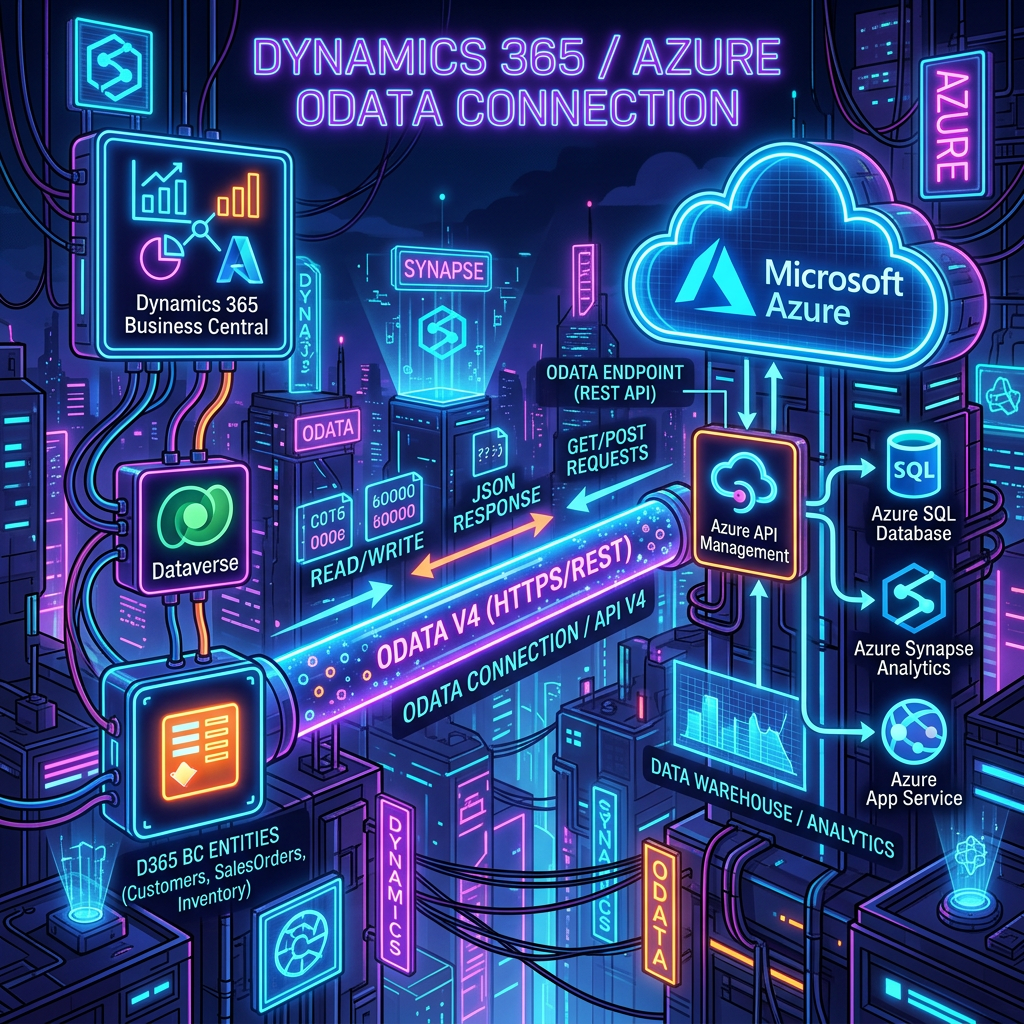
Integrate D365Finance with OData: A Step-by-Step Guide
This article outlines the essential steps for integrating applications with Dynamics 365 using the OData REST API via Microsoft Entra ID for authentication. It emphasizes registering an app in Azure AD, creating a client secret, and granting necessary permissions to Dynamics ERP. Additionally, it details the importance of registering the app within Dynamics 365 itself…
-

Copilot Cowork Meets Dynamics 365 Finance & SCM: When a Single Prompt Replaces a Full Day of Work
The Dynamics 365 ERP Apps plugin for Copilot Cowork revolutionizes interactions between ERP systems, emails, and documents, enhancing efficiencies for Finance and Supply Chain teams. This integration allows users to query ERP data using natural language, facilitating complex workflows and real-time reporting without technical assistance. Key prerequisites include an eligible Microsoft 365 tenant and proper…
-
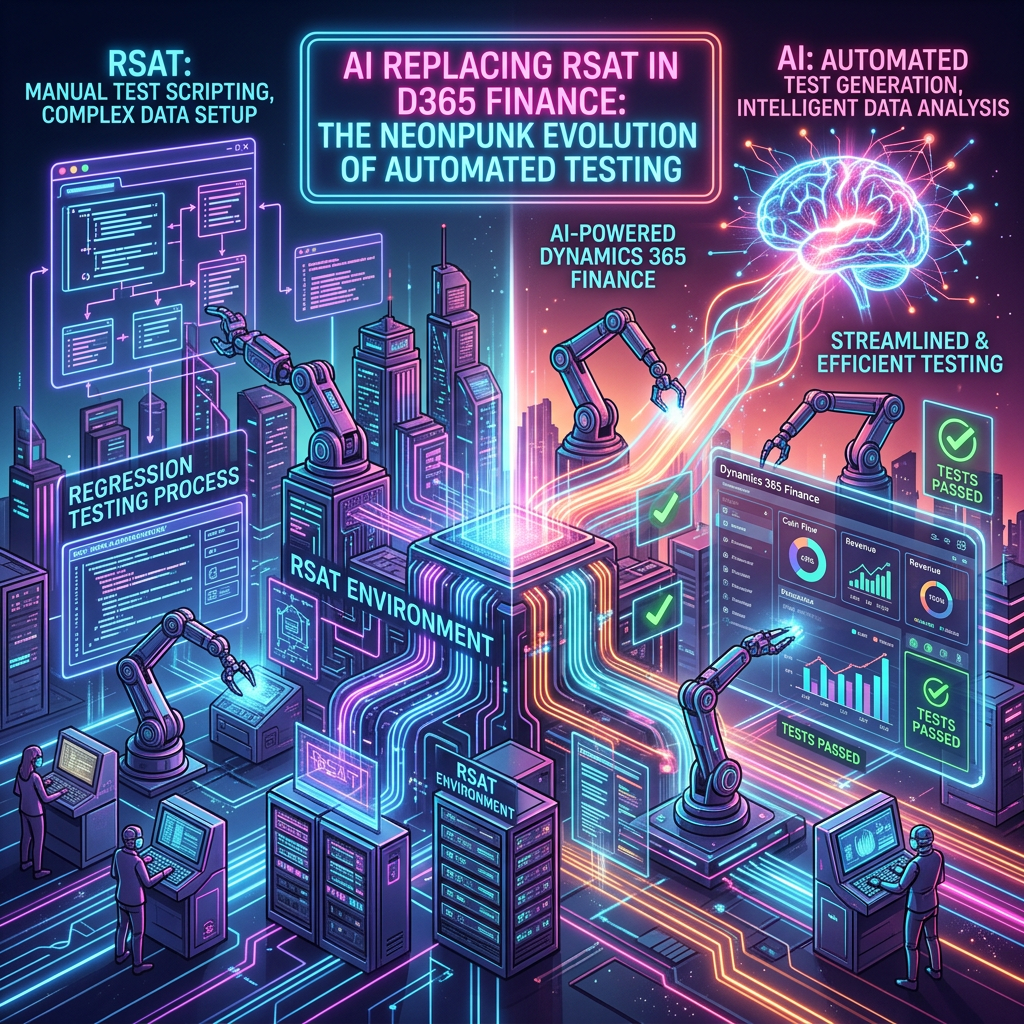
Prepare for RSAT Deprecation: Shift to AI in D365 FINANCE
Microsoft has announced that the Regression Suite Automation Tool (RSAT) will be deprecated on May 15, 2027, with no direct replacement. This transition urges customers to shift towards modern, AI-driven testing methods. RSAT’s limitations, such as brittleness to UI changes, cumbersome maintenance, and lack of self-healing capabilities, necessitate this move. The alternative, integrating AI with…
-
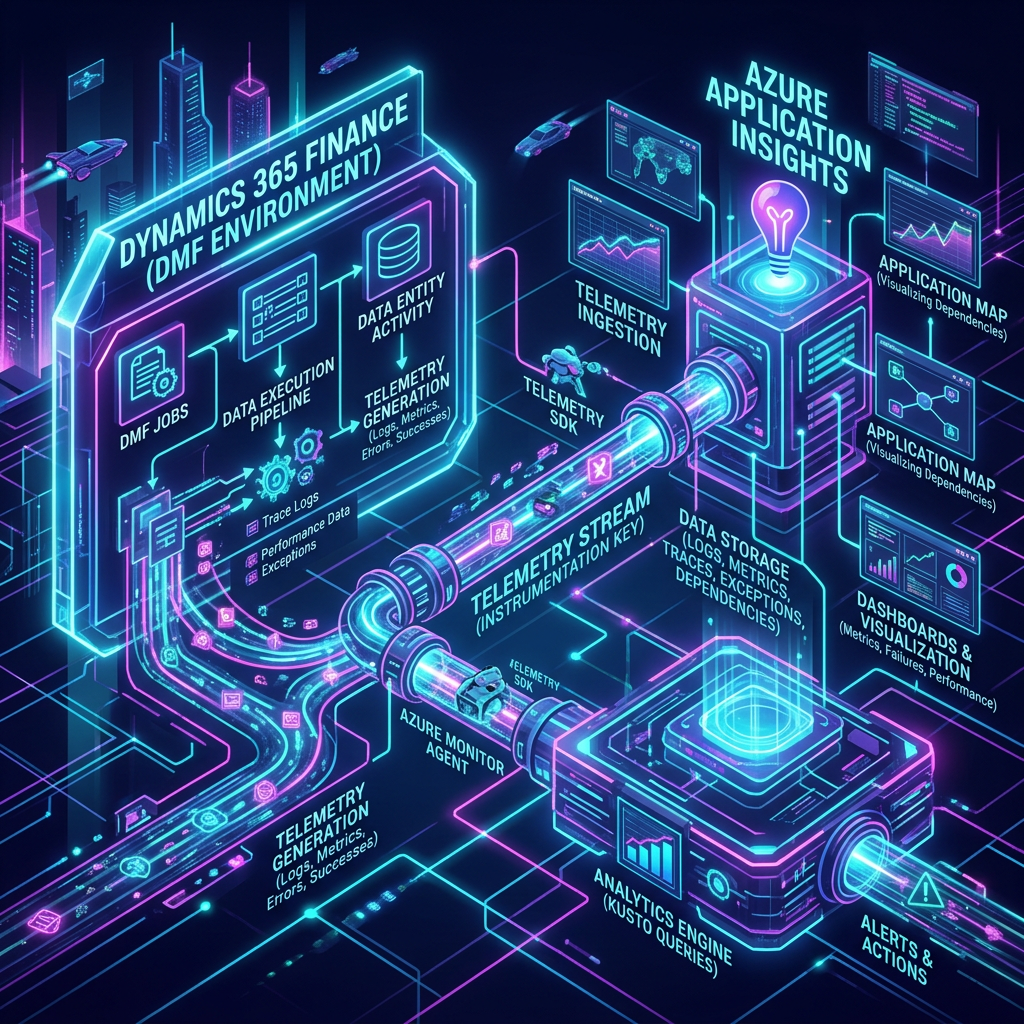
Enhancing DMF Monitoring with Application Insights
Microsoft has integrated Data Management Framework (DMF) telemetry with Application Insights, transforming how DMF jobs are monitored within Dynamics 365 Finance & Supply Chain Management. This integration enhances observability, allowing teams to proactively identify data integration issues rather than conducting post-mortem analyses. It enables structured telemetry to be logged, visualized, and alerted on, facilitating better…
-

Transforming D365 Finance Deployment with AI
The deployment model for D365 Finance is evolving due to the integration of AI and changes within Microsoft. Historically, large teams and complex governance structures dominated the process, but now, advancements in AI and the Model Context Protocol are streamlining project workflows like data migration and regression testing. Clients are increasingly questioning the value of…
-

MCP Agents in D365 Finance: Serious Responsibility
The Model Context Protocol (MCP) serves as a universal interface connecting AI agents to enterprise data systems, particularly within D365 Finance. It provides real-time access to ERP data while requiring D365 version 10.0.47 or later. Implementation teams must prioritize security, avoid direct production connections during development, and define agents’ scopes to prevent unauthorized actions. An…
-
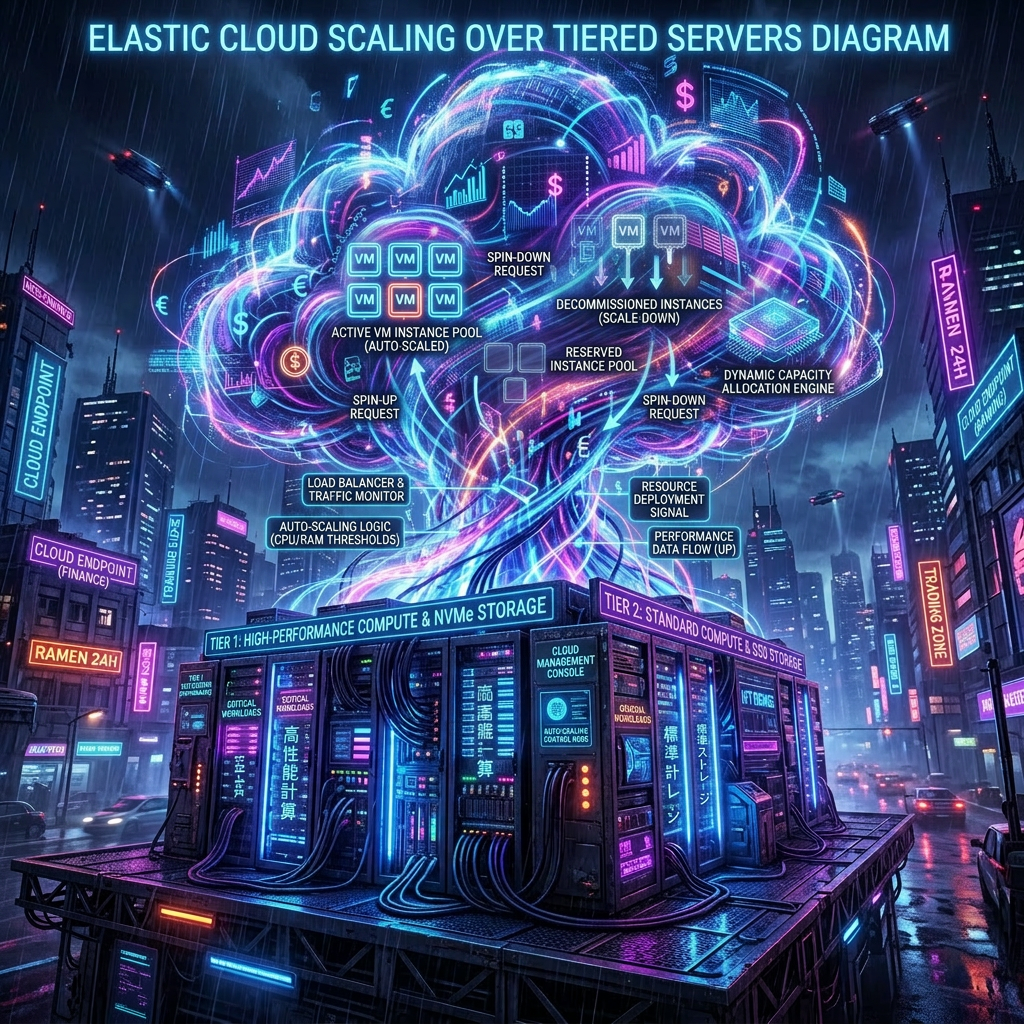
Elastic Compute for D365 Finance: From Fixed Tiers to Shared Capacity
Microsoft’s Elastic Compute transforms D365 Finance applications by replacing fixed-tier infrastructure with a dynamic, shared capacity model. This system automatically scales based on actual workload demands instead of pre-defined tiers, allowing test and production environments to utilize the same performance model. Capacity, defined by Power Platform Requests (PPR), drives the allocation of resources. Customers can…

